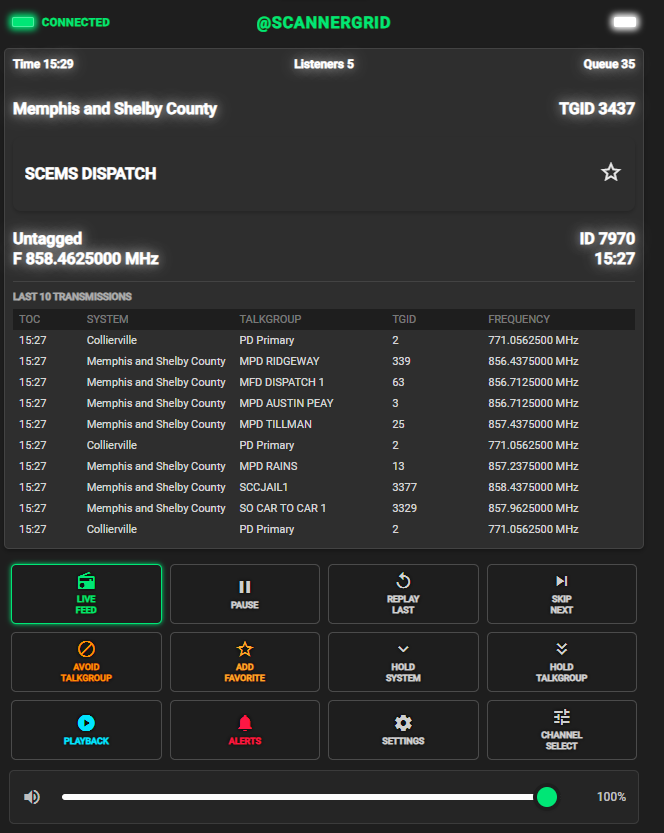
How to Listen on Desktop
Create your account, verify your email, sign in, choose your channels, and start listening through ScannerGrid.
Create Your Account
Go to the ScannerGrid portal and click the Register tab to create your account.
Open ScannerGridNew users must register before they can sign in.
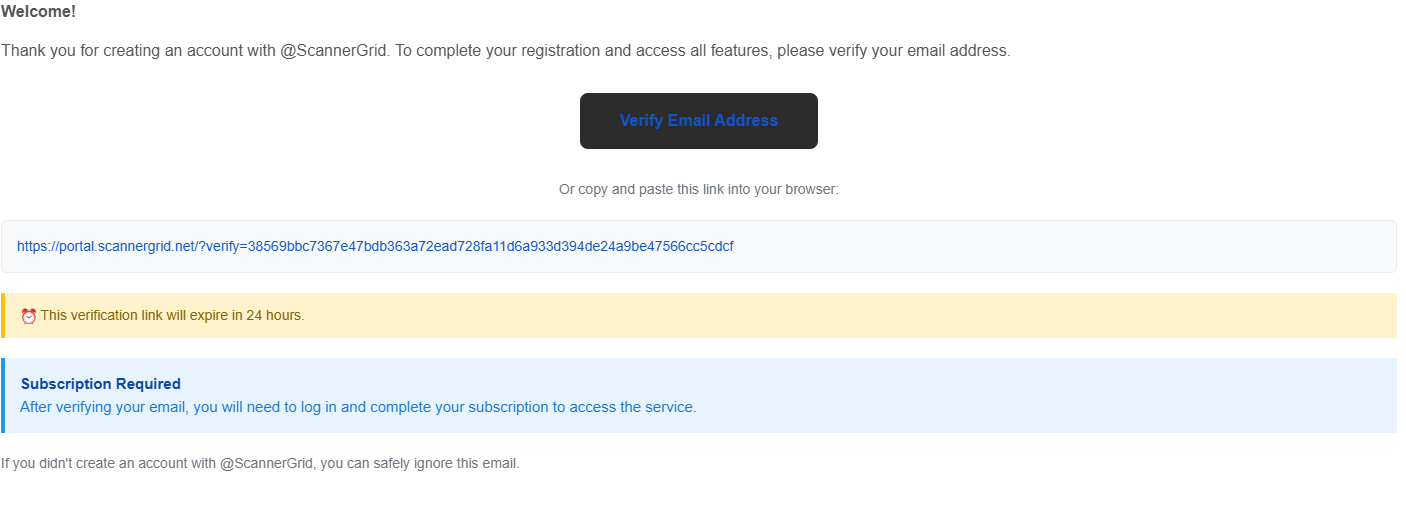
Verify Your Email
After registering, check your email and click the verification link to activate your account.
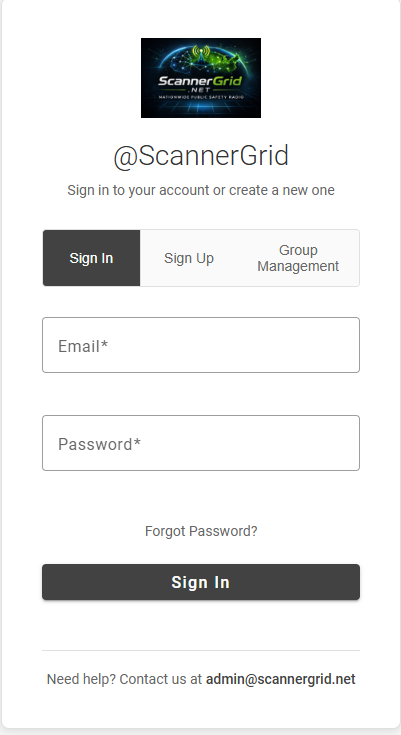
Sign In
Once your email is verified, return to ScannerGrid and sign in using your email address or username and password.
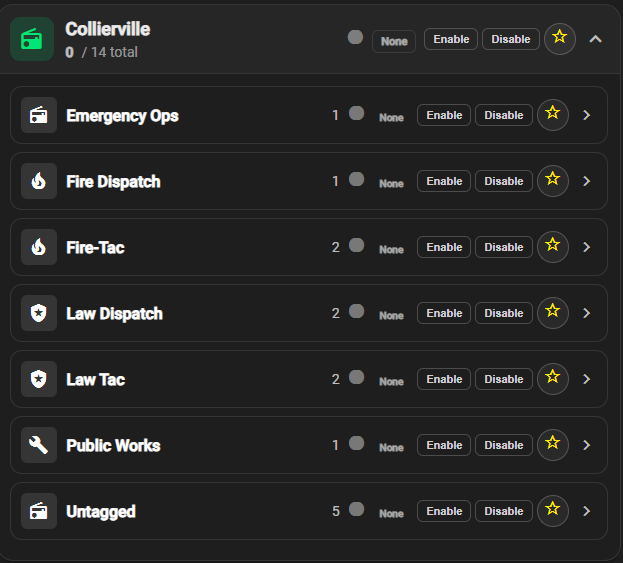
Select Channels (Talkgroups)
Choose which channels you want active in your player.
Each selected channel can add audio to your player. If several selected channels become active around the same time, that audio is played in order and may begin to queue up. This can cause what you hear to fall behind real-time traffic.
For the best experience, only enable the channels you actually want to monitor.
Start Listening
Once your channels are selected, use the player controls to begin listening live.